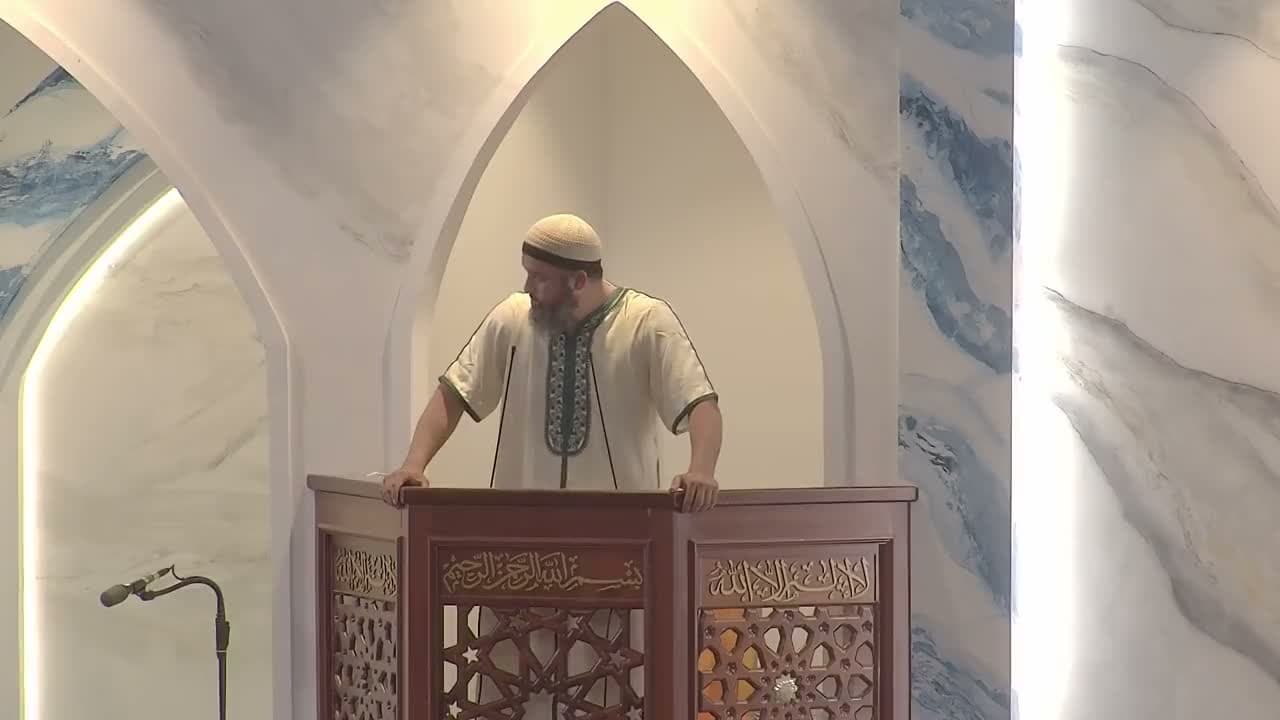
Connect the channels you use
Set up your organization’s integrations, then choose the available channels when preparing a live room.
Live notifications via Telegram, WhatsApp and the app.
Bring your community into the room through connected Telegram, WhatsApp, Firebase and moschee.io app notifications.
A livestream only helps if the community knows it is on. With moschee.io notifications you invite people into the live room as the khutbah begins: as a post in your Telegram channel, a message in WhatsApp groups or channels, and a push notification on their phone. One tap on the link opens the right room.
You send the message as you enter the live room or later during the broadcast, without switching apps. What happens inside the room, from the audio broadcast to AI translation, is covered on the livestreaming and AI translation page.
Set up your organization’s integrations, then choose the available channels when preparing a live room.
Use a saved template or a message for this room. Preview room variables and links before sending.
Choose Telegram chats, WhatsApp groups or channels, a Firebase topic or your app audience. Test the message before your public broadcast.
Channels require their own connections. The WhatsApp integration is unofficial and depends on the connected device session.
Each channel is connected once for your organization and is then available in every live room:
For each channel you pick a saved template or write a custom message for this room. Templates contain placeholders for the room name, organization, room link, date and time, and the preview shows the finished message with the room's values. Where the channel offers it, you can save a good custom message as a new template.
Before your first public announcement, send a test message to a private destination and check that the link opens the right room. The form checks beforehand that destination, topic and text are complete.
From setup to the first send:
Your selection applies to this broadcast only or, where the flow offers it, is saved as an organization default. The notifications guide describes every option.
Bot tokens, Firebase service accounts and WhatsApp connections are organization settings, not settings of a single room. Treat them like passwords: never paste them into pages, screenshots or chats, and rotate the credentials when the group of people with access changes.
Live notifications are part of the live room, so they are included in every plan with livestreaming, from Basis at €99 per month. Some channels also need their own account: a Telegram bot, a WhatsApp number or your own Firebase project.
| Plan | Price per month | Live notifications |
|---|---|---|
| Prayer Times | Free | Not included |
| Basis | €99 | Included |
| Community Plus | €199 | Included |
| Reach | €499 | Included |
Telegram, WhatsApp, push notifications in the moschee.io app, and Firebase for mosques with their own app. Each channel is connected once for the organization and can then be selected in every live room.
No. It runs through WhatsApp Web as a linked device and does not comply with WhatsApp's terms of service. The number can therefore be restricted or banned, and the connection can drop independently of moschee.io. Use a number dedicated to the mosque.
When you trigger it: as you enter the live room or later during the broadcast. You decide the timing.
Yes. The preview shows the template with the room's values, and before a public announcement you send a test message to a private destination. Check that the link opens the right room.
No. Push notifications reach your community through the moschee.io app. The Firebase connection is only meant for organizations that run their own app.
Made for life in your mosque